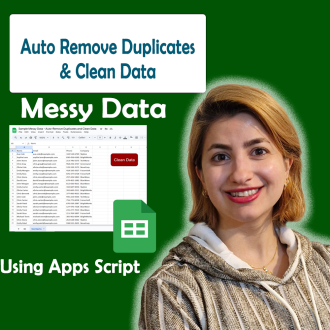
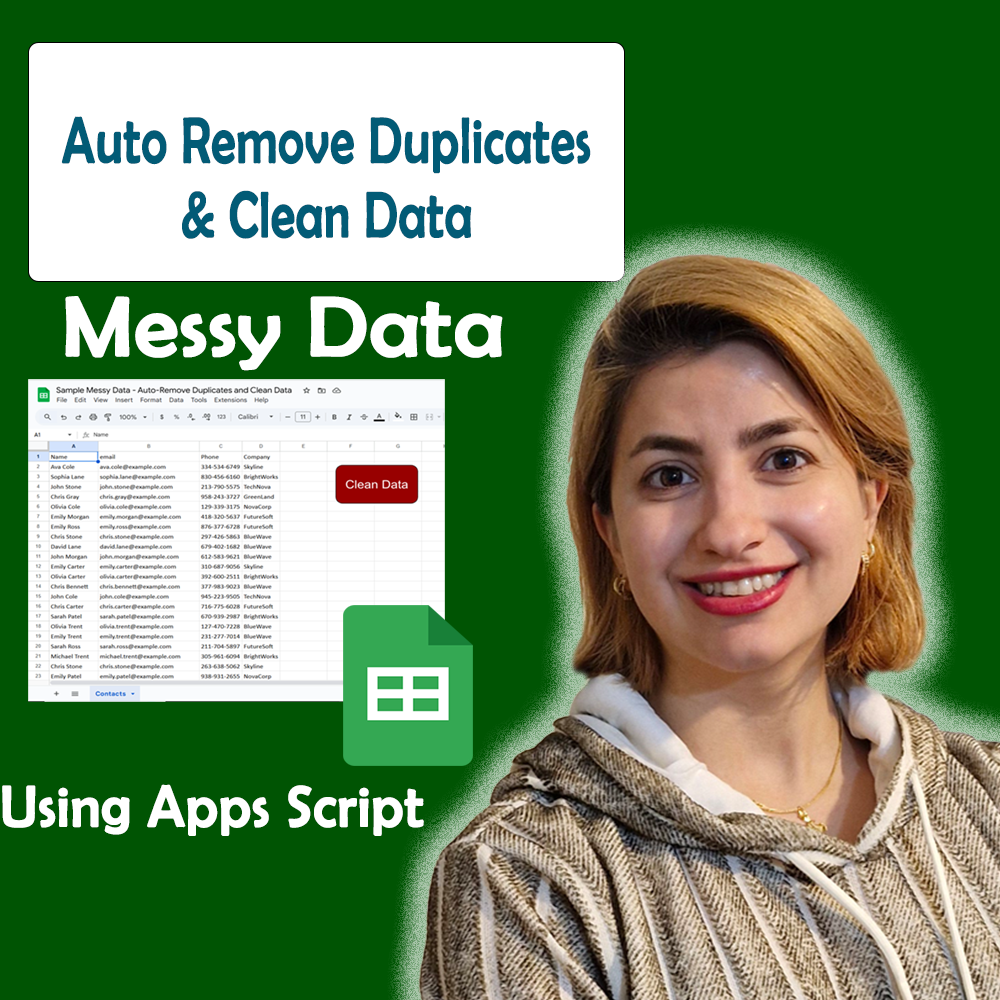


Auto-Remove Duplicates and Clean Data in Google Sheets with Apps Script
$ 9.97
📥 **Your Purchase Includes:**
– Immediate access to the Google Sheets template.
– Downloadable Apps Script code for flexibility and customization.
– In-depth tutorial for a guided learning experience.
🛍️ **Make your purchase today
YouTube Channel: https://www.youtube.com/@TechTrickswithEli2023
Telegram Channel: https://t.me/techtrickswithEli
Magic Script for Clean, Duplicate-Free Sheets!
Transform the way you manage your spreadsheets with our step-by-step tutorial on automatically removing duplicates and cleaning data in Google Sheets using Apps Script. This guide teaches you how to build a powerful automated system that scans your sheet, detects duplicate rows, trims messy text, fixes formatting issues, and keeps your data clean with zero manual effort.
This automation is perfect for anyone handling CRM records, product lists, email databases, customer orders, or any spreadsheet that grows over time. With Apps Script, you can maintain a professional, error-free dataset — and prevent duplicate entries before they happen.
✨ Key Features You’ll Learn
-
✔️ Auto-remove duplicates across your entire sheet
-
✔️ Clean unwanted spaces, inconsistent capitalization, and formatting errors
-
✔️ Standardize text for better reporting
-
✔️ Trigger the cleanup with one click or fully automate it
-
✔️ Reduce errors and save hours of manual work
-
✔️ Beginner-friendly Apps Script setup
Why This Tutorial Is Essential
Duplicate data slows down workflows, causes reporting errors, and creates confusion. With this smart automation, you can instantly clean your sheet and keep it accurate — even if you’re working with thousands of rows.
No coding experience needed; everything is explained in a simple, practical, real-world way.
Who This Is For
-
Data analysts
-
Business owners
-
Digital marketers
-
Admin and operations teams
-
Anyone working with large or growing spreadsheet data
💡 Stay organized, save time, and ensure nothing slips through the cracks!
YouTube Channel: https://www.youtube.com/@TechTrickswithEli2023
Telegram Channel: https://t.me/techtrickswithEli
Automatically Detect and Highlight Missing Data in Google Sheets Using Apps Script
How to Combine Data from Multiple Google Sheets to One Master Sheet using App Script
Related products







Creating a Powerful Advanced Search Box in Google Sheets – Step by Step