
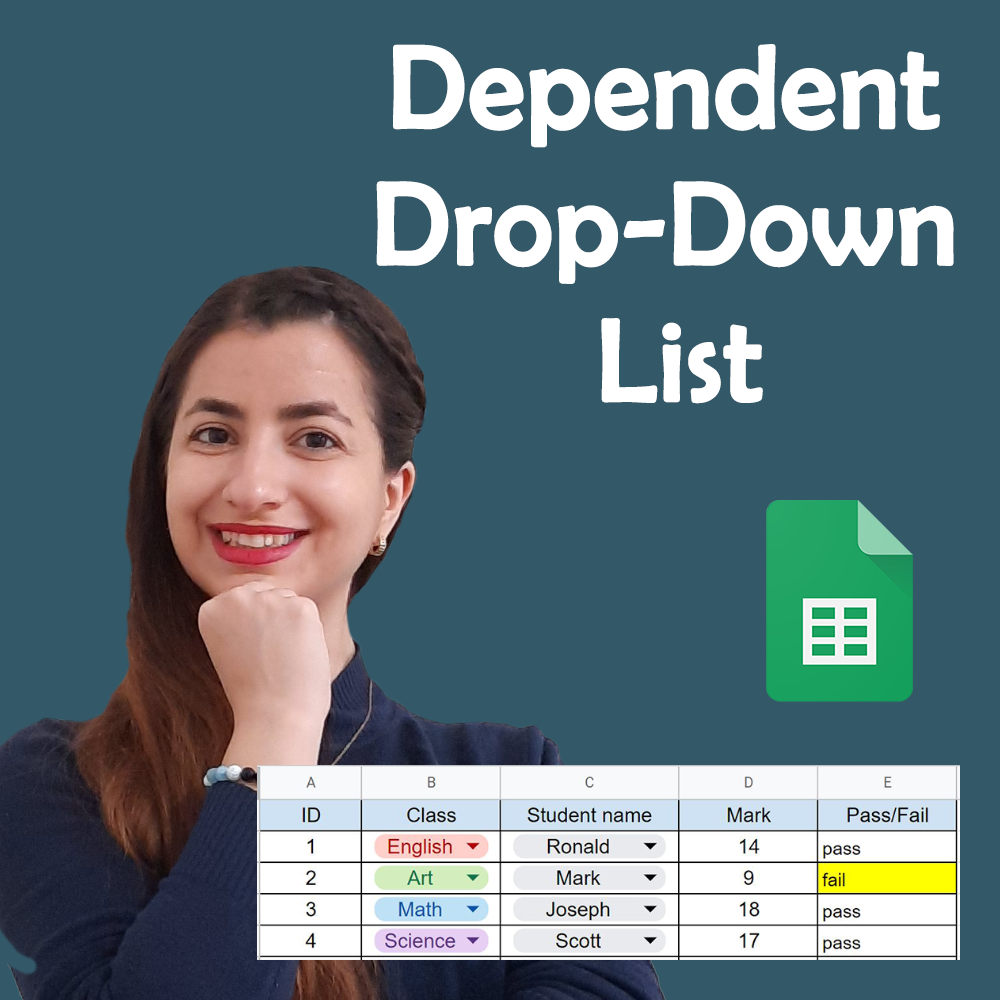


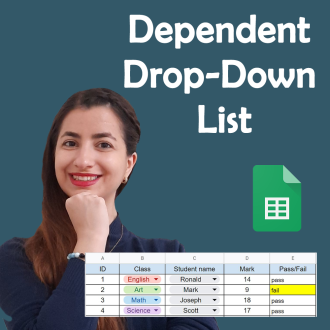
Dependent Drop-Down Lists in Google Sheets: A Step-by-Step Guide
$ 9.97
🌟 **Product Title: “Dependent Drop-Down Lists in Google Sheets: A Step-by-Step Guide”**
📥 **Your Purchase Includes:**
– Immediate access to the Google Sheets template for creating dependent drop-down lists.
– Link to our detailed YouTube video guide for guided learning.
🌐 **Note:** This product is designed to simplify the process of creating dependent drop-down lists in Google Sheets. We’re here to support you on your journey to organized and interconnected data!
🔗 **For any assistance, reach out to us at [Click Here].**
🛍️ **Make your purchase today and transform your data organization in Google Sheets!**
In this tutorial video, we will explore the powerful feature of dependent drop-down lists in Google Sheets. A dependent drop-down list is a dynamic tool that allows you to create a second list of options based on the selection made in the first list. This can be incredibly useful for organizing and filtering data, as well as streamlining your workflow. We will walk you through step-by-step how to set up and customize your own dependent drop-down lists in Google Sheets, including how to create formulas, use the data validation tool, and link multiple lists together. Whether you are a beginner or an experienced user of Google Sheets, this video will provide you with valuable insights and practical tips for using dependent drop-down lists to improve your productivity and efficiency. So sit back, grab a cup of coffee, and let’s dive into the world of dependent drop-down lists!
Related products
Google Sheets Data Entry Form Builder – Complete Package
5x Faster and powerful Data Entry Form (Save & Search in Multiple Sheets)
Move entire row from one sheet to another sheet based on checkbox
🌟 Product Title: "Move Entire Row from One Sheet to Another Sheet Based on the Checkbox"
📥 Your Purchase Includes:
- Immediate access to the Google Sheets template.
- Downloadable Apps Script code for your customization.
- A link to our detailed video tutorial.
🌐 Note: This product is designed to empower your data management capabilities, offering a comprehensive solution for moving entire rows effortlessly. We're here to support you on your journey to data efficiency!
🔗 For any assistance, reach out to us at [Click Here].
🛍️ Make your purchase today and redefine the way you manage data!

How to Automatically Send Email from Google Sheets
🌟 Product Title: "Automatically Send Email from Google Sheets"
🚀 What You'll Achieve:
- Simplify email management with our Google Sheets template.
- Implement automated email sending with our user-friendly Apps Script code.
- Learn the entire process through our comprehensive YouTube tutorial.
🌐 Note: This product is designed to simplify the process of automatically sending emails from Google Sheets. We're here to support you on your journey to efficient communication!
🔗 **For any assistance, reach out to us at [Click Here].**
🛍️ **Make your purchase today and redefine the way you manage email communication!**
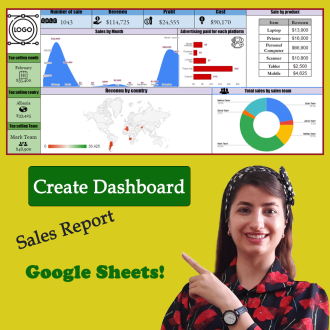
Data Visualization Magic: Create a Dashboard with Google Sheets!
🌟 **Product Title: "Data Visualization Magic: Create a Dashboard with Google Sheets!"**
📥 **Your Purchase Includes:**
- Immediate access to the feature-rich Google Sheets template for dashboard creation.
- Link to our detailed YouTube tutorial for guided learning.
🌐 **Note:** This product is your key to creating captivating dashboards in Google Sheets. We're here to assist you on your journey to impactful data visualization!
🔗 **For any assistance, reach out to us at [Click Here].**
🛍️ **Make your purchase today and transform your data into visual magic!**
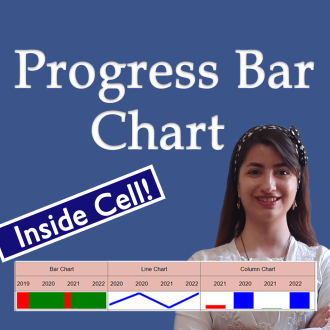
Create a progress bar Chart Inside a Cell in Google Sheets (Full Tutorial)
🌟 **Product Title: "Create a Progress Bar Chart Inside a Cell in Google Sheets (Full Tutorial)"**
Transform your data visualization game with our exclusive product! By making this purchase, you'll unlock a powerful duo:
1. **Google Sheets Template:**
- Step into the realm of dynamic data presentation with our ready-to-use Google Sheets template. Effortlessly create progress bar charts inside cells for impactful data representation.
2. **Link to the Full Tutorial Video:**
- Master the art of progress bar chart creation through our comprehensive video tutorial. Follow step by step and elevate your Google Sheets skills.
📥 **Your Purchase Includes:**
- Immediate access to the Google Sheets template for progress bar chart creation.
- Link to our full tutorial video for guided learning.
⚙️ **How to Get Started:**
1. Download the Google Sheets template to initiate progress bar chart creation.
2. Customize your cells with dynamic progress indicators based on your data.
3. Follow our full tutorial video for insights into effective implementation.
🌐 **Note:** This product is designed to simplify the process of creating progress bar charts inside cells in Google Sheets. We're here to support you on your journey to impactful data visualization!
🔗 **For any assistance, reach out to us at [Click Here].**
🛍️ **Make your purchase today and transform your data presentation in Google Sheets!**

How to Generate a Random ID in Google Sheets (Apps script)
🌟 Product Title: "How to Generate a Random ID in Google Sheets (Apps Script)"
📥 Your Purchase Includes:
- Immediate access to the Google Sheets template for random ID generation.
- Downloadable Apps Script code for customization.
- Link to our detailed video tutorial for guided learning.
🌐 Note: This product is designed to simplify the process of generating random IDs in Google Sheets using Apps Script. We're here to support you on your journey to efficient data management!
🔗 For any assistance, reach out to us at [Click Here].
🛍️ Make your purchase today and revolutionize your data tracking in Google Sheets!
Reviews
Clear filtersThere are no reviews yet.