
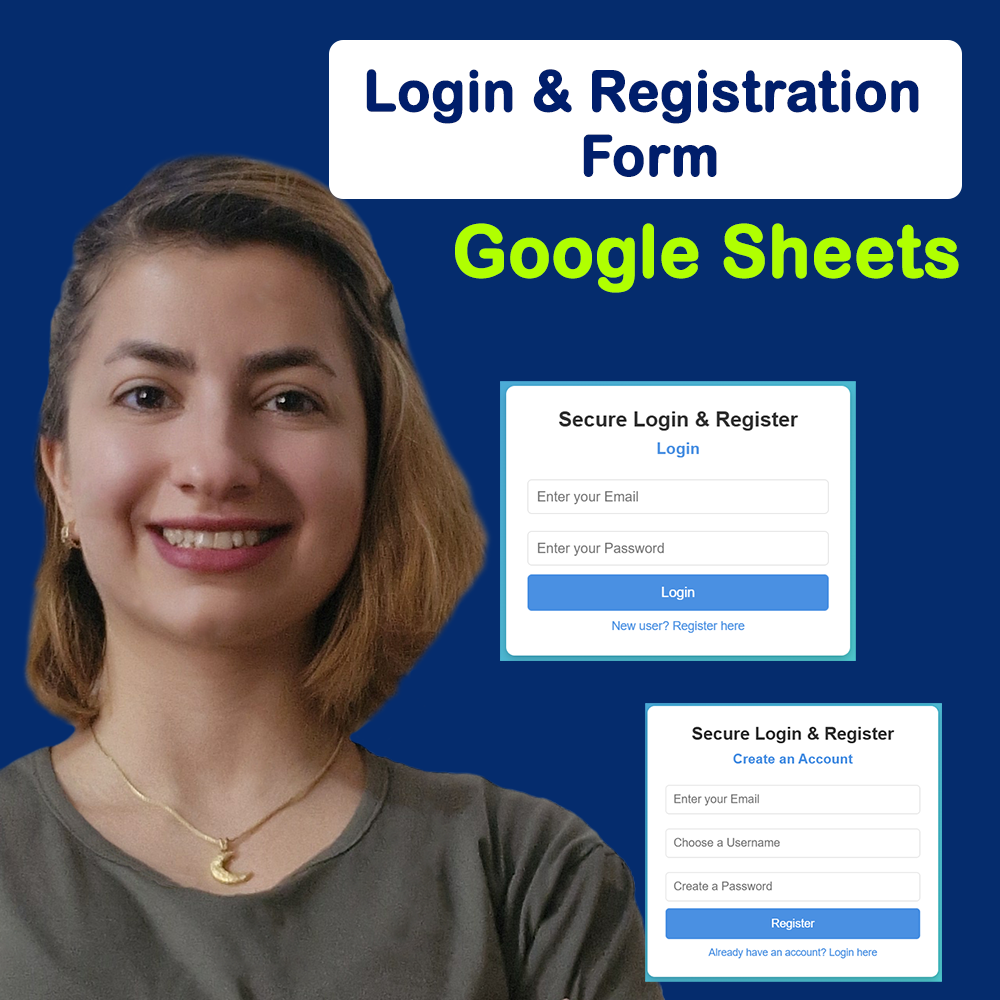


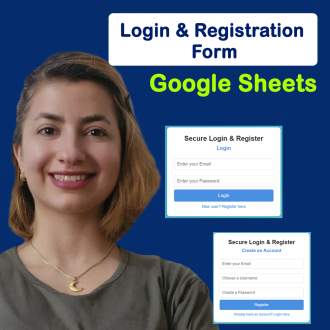
How to Create this Login & Registration Form using Google Apps Script
$ 9.97
📥 **Your Purchase Includes:**
– Immediate access to the Google Sheets form template.
– 3 Downloadable Apps Script code for flexibility and customization.
– In-depth tutorial for a guided learning experience.
🛍️ **Make your purchase today
How to Create this Login & Registration Form using Google Apps Script
Looking for a simple and secure way to create a login and registration form using Google Sheets? This tutorial will show you how to build a fully functional authentication system with Google Apps Script—no third-party tools needed!
What You’ll Learn in This Guide:
✅ How to design a professional login and registration form using HTML & CSS
✅ How to connect your form to Google Sheets to store user data
✅ How to validate user credentials and create a secure login system
✅ How to redirect users to a Welcome Page after successful login
✅ How to add a logout function for better session control
Why This Login System?
🔹 Easy to Use – No complex coding required, perfect for beginners!
🔹 Secure Password Handling – Learn how to safely store and retrieve passwords.
🔹 Seamless Google Sheets Integration – Store and manage user accounts effortlessly.
🔹 Customizable Design – Easily modify the UI to match your project needs.
Who is This For?
👨🏫 Teachers managing student access to online resources
💼 Business owners controlling access to spreadsheets
👨💻 Developers looking for an easy Google Sheets authentication system
Get Started Now!
Follow along with this step-by-step tutorial and learn how to build your own Login & Registration Form using Google Apps Script today! 🚀
💡 Enhance Your Productivity with Google Apps Script!
Stop wasting time on repetitive tasks—automate your Google Sheets today!
📌 Get started now and simplify your workflow!
YouTube Channel: https://www.youtube.com/@TechTrickswithEli2023
Telegram Channel: https://t.me/techtrickswithEli
Related products
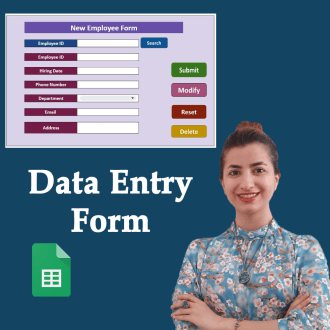
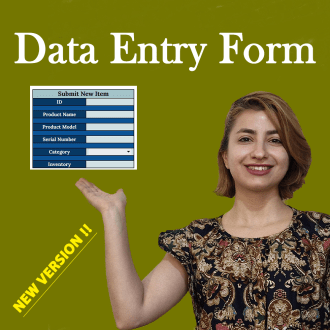
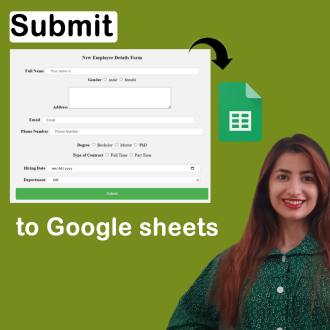
Google Sheets Data Entry Form Builder – Complete Package
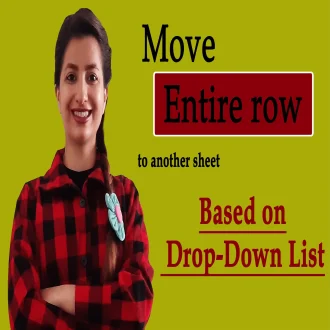
How to Move the Row Based on a Drop-down List in Google Sheets
🌟 Product Title: "How to Move the Row Based on a Drop-down List in Google Sheets"
📥 Your Purchase Includes:
- Immediate access to the Google Sheets template.
- Downloadable Apps Script code for your customization.
- A link to our detailed video tutorial.
🌐 Note: This product is designed to empower your data management capabilities, offering a comprehensive solution for moving entire rows effortlessly. We're here to support you on your journey to data efficiency!
🔗 For any assistance, reach out to us at [Click Here].
🛍️ Make your purchase today and redefine the way you manage data!
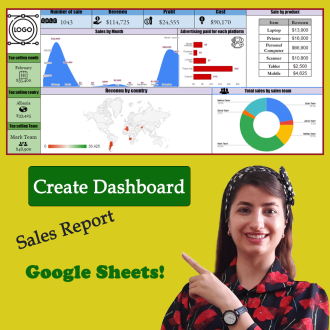
Data Visualization Magic: Create a Dashboard with Google Sheets!
🌟 **Product Title: "Data Visualization Magic: Create a Dashboard with Google Sheets!"**
📥 **Your Purchase Includes:**
- Immediate access to the feature-rich Google Sheets template for dashboard creation.
- Link to our detailed YouTube tutorial for guided learning.
🌐 **Note:** This product is your key to creating captivating dashboards in Google Sheets. We're here to assist you on your journey to impactful data visualization!
🔗 **For any assistance, reach out to us at [Click Here].**
🛍️ **Make your purchase today and transform your data into visual magic!**
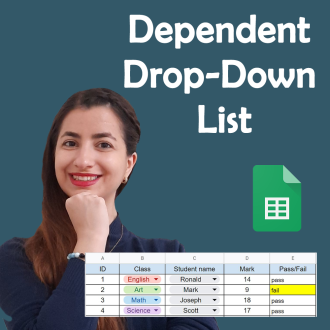
Dependent Drop-Down Lists in Google Sheets: A Step-by-Step Guide
🌟 **Product Title: "Dependent Drop-Down Lists in Google Sheets: A Step-by-Step Guide"**
📥 **Your Purchase Includes:**
- Immediate access to the Google Sheets template for creating dependent drop-down lists.
- Link to our detailed YouTube video guide for guided learning.
🌐 **Note:** This product is designed to simplify the process of creating dependent drop-down lists in Google Sheets. We're here to support you on your journey to organized and interconnected data!
🔗 **For any assistance, reach out to us at [Click Here].**
🛍️ **Make your purchase today and transform your data organization in Google Sheets!**
Reviews
Clear filtersThere are no reviews yet.