
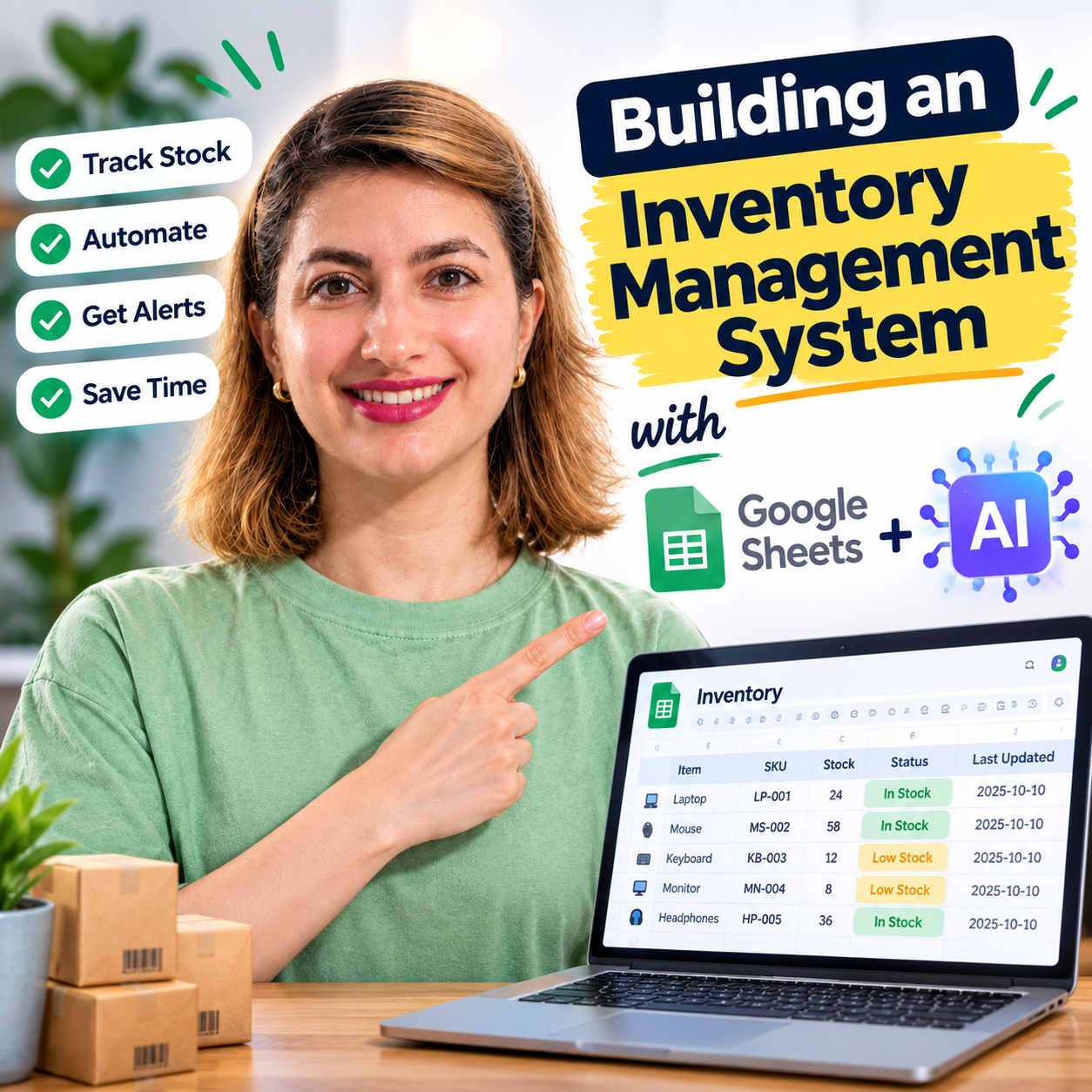


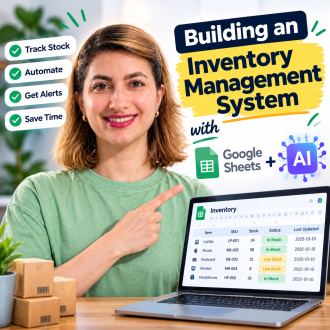
Inventory Management System using AI — Pro Package
From: Original price was: $ 14.97.$ 9.97Current price is: $ 9.97.
📥 Your Purchase Includes:
- 📄 Code.gs: the complete, tested backend script
- 🖥️ Index.html: the full dashboard interface (dark-themed, ready to deploy)
- 🤖 AI-Prompt.txt: the exact prompt used, in case you want to tweak or regenerate anything
- 📘 Setup-Guide.pdf : a 10-page step-by-step installation guide with troubleshooting
- ✅ Lifetime access : yours to keep, customize, and reuse for future projects
🛍️ **Make your purchase today
YouTube Channel: https://www.youtube.com/@TechTrickswithEli2023
Telegram Channel: https://t.me/techtrickswithEli
📦 Inventory Management System — Pro Package
Skip the guesswork. Get a fully working, tested inventory dashboard in minutes — not hours.
You’ve seen the free tutorial. You know the prompt works. But if you’d rather not deal with AI inconsistencies, retyping code, or debugging a stray typo at 11pm, this package gets you there instantly.
What’s Inside
- ✅ Code.gs — the complete, tested backend (no AI regeneration needed)
- ✅ Index.html — the full dark-themed dashboard interface
- ✅ AI-Prompt.txt — the exact prompt used, for reference or customization
- ✅ Setup-Guide.pdf — a 10-page, step-by-step installation guide with troubleshooting
What You Can Do With It
- Add, edit, and delete inventory items from a clean web dashboard
- Track stock levels with automatic Low Stock / Out of Stock alerts
- See total inventory value, unit counts, and stock status at a glance
- Search, filter, and sort your entire inventory instantly
- Bulk-select and delete multiple items at once
- Export your full inventory to CSV with one click
- Runs 100% on Google Sheets + Apps Script — no hosting, no subscriptions, no ongoing cost
Why Get the Pro Package?
AI-generated code can vary slightly every time you run the prompt — sometimes it’s perfect, sometimes it needs a small fix. This package skips that entirely: you get the exact, tested files used in the tutorial, plus a bonus feature and a proper setup guide with screenshots-free, step-by-step instructions — so you’re up and running in under 15 minutes, guaranteed.
Price: $15(one-time)
No subscriptions. No hidden fees. Yours to keep, customize, and reuse for every future project.
You must be logged in to post a review.
Related products

Google Sheets Data Entry Form Builder – Complete Package

Advance Google Sheets Search Box! [Apps Script]
🌟 Product Title: "Advance Google Sheets Search Box! [Apps Script]"
📥 Your Purchase Includes:
- Immediate access to the Google Sheets template.
- Downloadable Apps Script code for your customization.
- A link to our detailed video tutorial.
🌐 Note: This product is designed to empower your data management capabilities, offering a comprehensive solution for moving entire rows effortlessly. We're here to support you on your journey to data efficiency!
🔗 For any assistance, reach out to us at [Click Here].
🛍️ Make your purchase today and redefine the way you manage data!

How to Automatically Send Email from Google Sheets
🌟 Product Title: "Automatically Send Email from Google Sheets"
🚀 What You'll Achieve:
- Simplify email management with our Google Sheets template.
- Implement automated email sending with our user-friendly Apps Script code.
- Learn the entire process through our comprehensive YouTube tutorial.
🌐 Note: This product is designed to simplify the process of automatically sending emails from Google Sheets. We're here to support you on your journey to efficient communication!
🔗 **For any assistance, reach out to us at [Click Here].**
🛍️ **Make your purchase today and redefine the way you manage email communication!**
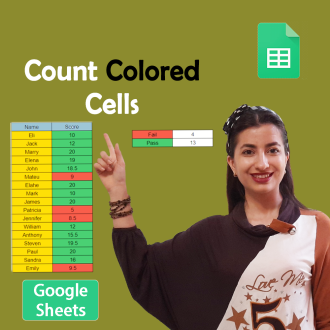
Count Cells Based on Color in Google Sheets
🌟 **Product Title: "Count Cells Based on Color in Google Sheets!"**
📥 **Your Purchase Includes:**
- Immediate access to the Google Sheets template for color-based cell counting.
- Downloadable Apps Script code for customization.
- Link to our comprehensive YouTube tutorial for guided learning.
🌐 **Note:** This product is designed to simplify the process of counting cells based on color in Google Sheets. We're here to support you on your journey to efficient data analysis!
🔗 **For any assistance, reach out to us at [Click Here].**
🛍️ **Make your purchase today and revolutionize your color-based data analysis!**

How to Create Kanban board in Google Sheets
🌟 **Product Title: "How to Create a Kanban Board in Google Sheets"**
📥 **Your Purchase Includes:**
- Immediate access to the Google Sheets template for Kanban board creation.
- Link to our detailed video tutorial for guided learning.
🌐 **Note:** This product is designed to simplify the process of creating a Kanban board in Google Sheets. We're here to support you on your journey to efficient project management!
🔗 **For any assistance, reach out to us at [Click Here].**
🛍️ **Make your purchase today and enhance your project management capabilities!**
Reviews
Clear filtersThere are no reviews yet.