
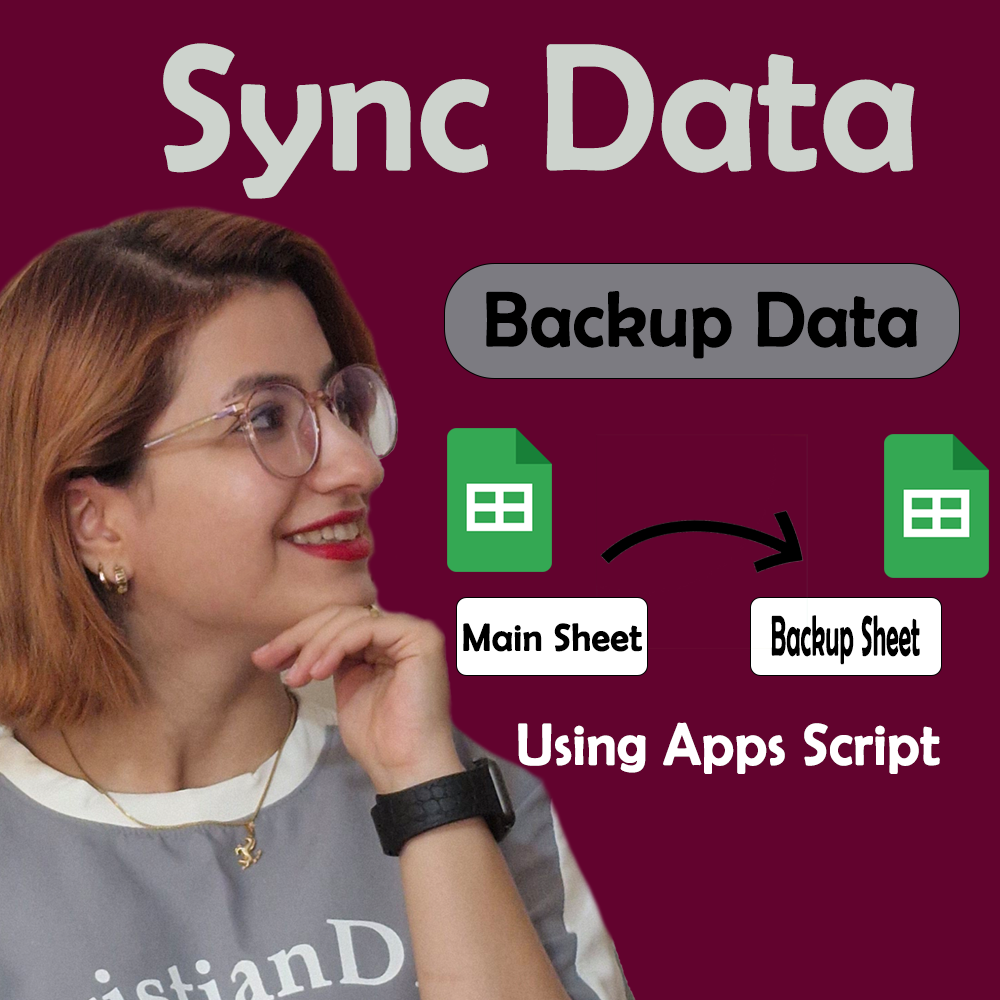


Sync Data from One Sheet to Another (Create Backup Sheet)
From: $ 10.97
📥 **Your Purchase Includes:**
– Immediate access to the Google Sheets template.
– Downloadable Apps Script code for flexibility and customization.
– In-depth tutorial for a guided learning experience.
🛍️ **Make your purchase today
🔄 Sync Data from One Google Sheet to Another (Create Automatic Backup Sheet)
Looking for a simple way to sync data between Google Sheets? Our solution lets you easily copy and sync data from one Google Sheet to another—perfect for creating an automatic backup sheet and ensuring your data is always up-to-date and protected.
Whether you’re managing projects, tracking inventory, or working with large datasets, this tool helps you automatically replicate your data across sheets without manual copying or repetitive work.
✅ Key Features of Sync Data from One Google Sheet to Another:
-
🔁 Real-time synchronization between sheets
-
📁 Create a backup Google Sheet for secure data storage
-
📊 Works within the same spreadsheet or across different files
-
🧠 No coding required – simple formulas or Apps Script options available
-
💼 Ideal for businesses, teams, and professionals who use Google Sheets daily
-
⚙️ Supports dynamic data updates and large data ranges
This is the perfect solution for anyone who wants to automate Google Sheets, improve productivity, and reduce the risk of data loss.
💬 Need customization or help setting it up? We offer full support to tailor the sync process to your specific needs.
Recommended Products
Automatically Populate Multiple Dropdowns in Google Forms using Google Sheets
A Step-by-Step Guide to Auto Incrementing
Registration Codes in Google Sheets (with Apps Script)
Auto-Generate Event Entry Barcode After Registration in Google Sheets
Automatically Collect Google Form Responses and Instantly Send a Confirmation Email
You must be logged in to post a review.
Related products



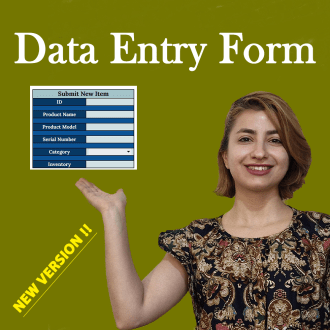
5x Faster and powerful Data Entry Form (Save & Search in Multiple Sheets)
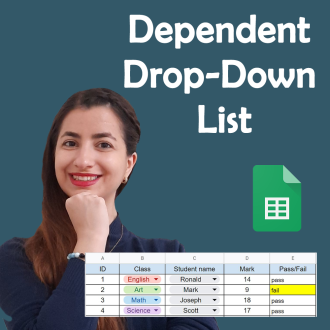
Dependent Drop-Down Lists in Google Sheets: A Step-by-Step Guide
🌟 **Product Title: "Dependent Drop-Down Lists in Google Sheets: A Step-by-Step Guide"**
📥 **Your Purchase Includes:**
- Immediate access to the Google Sheets template for creating dependent drop-down lists.
- Link to our detailed YouTube video guide for guided learning.
🌐 **Note:** This product is designed to simplify the process of creating dependent drop-down lists in Google Sheets. We're here to support you on your journey to organized and interconnected data!
🔗 **For any assistance, reach out to us at [Click Here].**
🛍️ **Make your purchase today and transform your data organization in Google Sheets!**
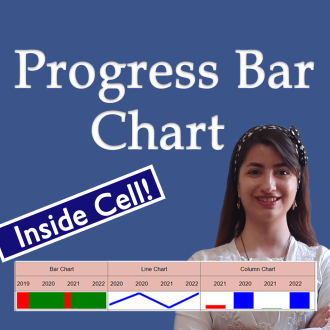
Create a progress bar Chart Inside a Cell in Google Sheets (Full Tutorial)
🌟 **Product Title: "Create a Progress Bar Chart Inside a Cell in Google Sheets (Full Tutorial)"**
Transform your data visualization game with our exclusive product! By making this purchase, you'll unlock a powerful duo:
1. **Google Sheets Template:**
- Step into the realm of dynamic data presentation with our ready-to-use Google Sheets template. Effortlessly create progress bar charts inside cells for impactful data representation.
2. **Link to the Full Tutorial Video:**
- Master the art of progress bar chart creation through our comprehensive video tutorial. Follow step by step and elevate your Google Sheets skills.
📥 **Your Purchase Includes:**
- Immediate access to the Google Sheets template for progress bar chart creation.
- Link to our full tutorial video for guided learning.
⚙️ **How to Get Started:**
1. Download the Google Sheets template to initiate progress bar chart creation.
2. Customize your cells with dynamic progress indicators based on your data.
3. Follow our full tutorial video for insights into effective implementation.
🌐 **Note:** This product is designed to simplify the process of creating progress bar charts inside cells in Google Sheets. We're here to support you on your journey to impactful data visualization!
🔗 **For any assistance, reach out to us at [Click Here].**
🛍️ **Make your purchase today and transform your data presentation in Google Sheets!**

Reviews
Clear filtersThere are no reviews yet.