

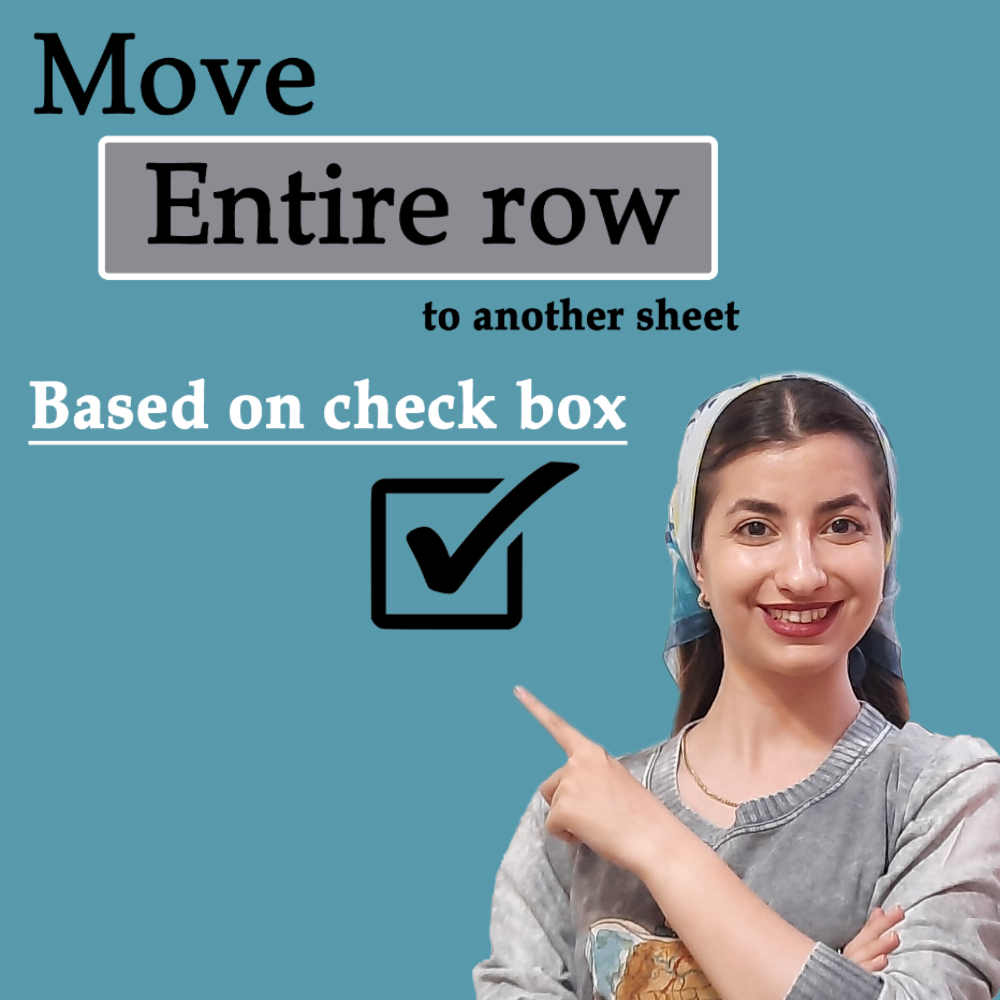

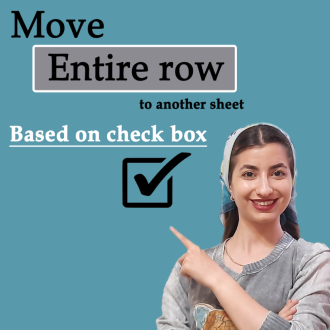
Move entire row from one sheet to another sheet based on checkbox
$ 9.97
🌟 Product Title: “Move Entire Row from One Sheet to Another Sheet Based on the Checkbox”
📥 Your Purchase Includes:
– Immediate access to the Google Sheets template.
– Downloadable Apps Script code for your customization.
– A link to our detailed video tutorial.
🌐 Note: This product is designed to empower your data management capabilities, offering a comprehensive solution for moving entire rows effortlessly. We’re here to support you on your journey to data efficiency!
🔗 For any assistance, reach out to us at [Click Here].
🛍️ Make your purchase today and redefine the way you manage data!
In this tutorial, we will show you how to move an entire row from one sheet to another based on the check box. This can be extremely useful if you have a large data set and need to organize it into different categories. We will walk you through the steps of creating a check box and linking it to a script that will automatically move the row to a designated sheet when the box is checked. We will also provide tips on how to customize the script to fit your specific needs. By the end of this video, you’ll have a better understanding of how to efficiently manage your data in Google Sheets using checkboxes and scripts.
Related products
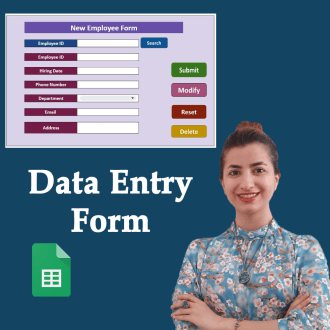

Google Sheets Data Entry Form Builder – Complete Package
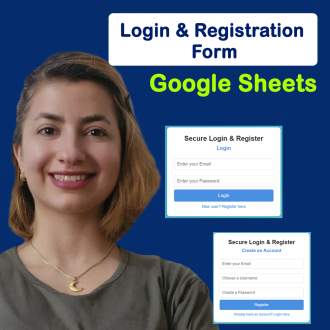

5x Faster and powerful Data Entry Form (Save & Search in Multiple Sheets)


Stock Inventory Management System in Google Sheets
🌟 Product Title: "Stock Inventory Management System in Google Sheets"
How It Works:
- Download the Template: Purchase and download the template instantly.
- Customize to Your Needs: Add your products, set reorder levels, and customize categories.
- Start Managing: Use the template to track inventory movements, update stock levels, and generate reports.
🔗 For any assistance, reach out to us at [Click Here].🛍️ Make your purchase today and redefine the way you manage data!

How to Move and Copy the Entire Row to another Sheet Based on Date in Google Sheets
🌟 Product Title: "How to Move and Copy the Entire Row to another Sheet Based on Date in Google Sheets"
📥 Your Purchase Includes:
- Immediate access to the Google Sheets template.
- Downloadable Apps Script code for your customization.
- A link to our detailed video tutorial.
🌐 Note: This product is designed to empower your data management capabilities, offering a comprehensive solution for moving entire rows effortlessly. We're here to support you on your journey to data efficiency!
🔗 For any assistance, reach out to us at [Click Here].
🛍️ Make your purchase today and redefine the way you manage data!
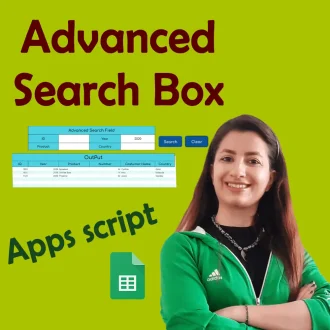
Advance Google Sheets Search Box! [Apps Script]
🌟 Product Title: "Advance Google Sheets Search Box! [Apps Script]"
📥 Your Purchase Includes:
- Immediate access to the Google Sheets template.
- Downloadable Apps Script code for your customization.
- A link to our detailed video tutorial.
🌐 Note: This product is designed to empower your data management capabilities, offering a comprehensive solution for moving entire rows effortlessly. We're here to support you on your journey to data efficiency!
🔗 For any assistance, reach out to us at [Click Here].
🛍️ Make your purchase today and redefine the way you manage data!

How to Automatically Send Email from Google Sheets
🌟 Product Title: "Automatically Send Email from Google Sheets"
🚀 What You'll Achieve:
- Simplify email management with our Google Sheets template.
- Implement automated email sending with our user-friendly Apps Script code.
- Learn the entire process through our comprehensive YouTube tutorial.
🌐 Note: This product is designed to simplify the process of automatically sending emails from Google Sheets. We're here to support you on your journey to efficient communication!
🔗 **For any assistance, reach out to us at [Click Here].**
🛍️ **Make your purchase today and redefine the way you manage email communication!**
Reviews
Clear filtersThere are no reviews yet.