



How to Move the Row Based on a Drop-down List in Google Sheets
$ 9.97
🌟 Product Title: “How to Move the Row Based on a Drop-down List in Google Sheets”
📥 Your Purchase Includes:
– Immediate access to the Google Sheets template.
– Downloadable Apps Script code for your customization.
– A link to our detailed video tutorial.
🌐 Note: This product is designed to empower your data management capabilities, offering a comprehensive solution for moving entire rows effortlessly. We’re here to support you on your journey to data efficiency!
🔗 For any assistance, reach out to us at [Click Here].
🛍️ Make your purchase today and redefine the way you manage data!
Related products
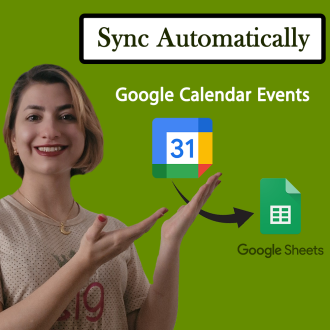
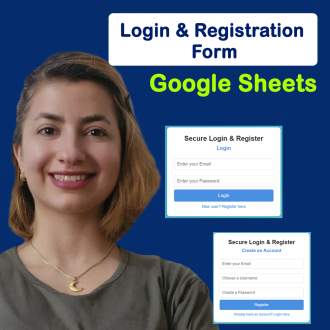

Google Forms, With Auto-Generate Reference Numbers When Submitted
📥 **Your Purchase Includes:**
– Immediate access to the Google forms template.
– Downloadable Apps Script code for flexibility and customization.
– In-depth tutorial for a guided learning experience.
🛍️ **Make your purchase today
YouTube Channel: https://www.youtube.com/@TechTrickswithEli2023
Telegram Channel: https://t.me/techtrickswithEli

Move entire row from one sheet to another sheet based on checkbox
🌟 Product Title: "Move Entire Row from One Sheet to Another Sheet Based on the Checkbox"
📥 Your Purchase Includes:
- Immediate access to the Google Sheets template.
- Downloadable Apps Script code for your customization.
- A link to our detailed video tutorial.
🌐 Note: This product is designed to empower your data management capabilities, offering a comprehensive solution for moving entire rows effortlessly. We're here to support you on your journey to data efficiency!
🔗 For any assistance, reach out to us at [Click Here].
🛍️ Make your purchase today and redefine the way you manage data!
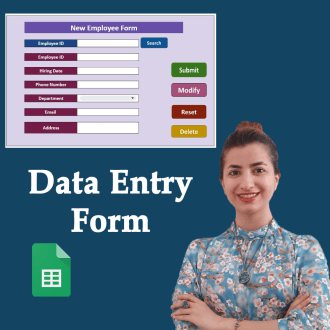

Creating a Powerful Advanced Search Box in Google Sheets – Step by Step
🌟 **Product Title: "Creating a Powerful Advanced Search Box in Google Sheets - Step by Step"**
Unlock the potential of advanced search functionality with our comprehensive product! Purchasing this package provides you with:
1. **Google Sheets Template:**
- A ready-to-use template equipped with a powerful advanced search box, designed to enhance your data search capabilities.
2. **Step-by-Step Video Tutorial:**
- Dive into the intricacies of creating an advanced search box with our detailed video tutorial. Follow along at your own pace to master the process.
📥 **Your Purchase Includes:**
- Immediate access to the advanced search box-equipped Google Sheets template.
- Link to our comprehensive video tutorial for guided implementation.
⚙️ **How to Get Started:**
1. Download the Google Sheets template with the advanced search box.
2. Follow our step-by-step video tutorial for a detailed walkthrough.
🌐 **Note:** This product is designed to empower you in creating a powerful advanced search box in Google Sheets. We're here to support you on your journey to efficient data searching!
🔗 **For any assistance, reach out to us at [Click Here].**
🛍️ **Make your purchase today and revolutionize the way you search and analyze data!**
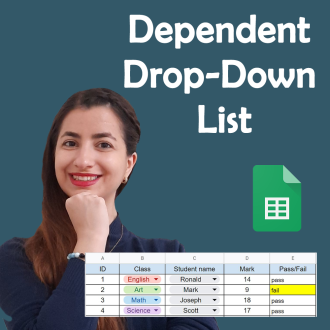
Dependent Drop-Down Lists in Google Sheets: A Step-by-Step Guide
🌟 **Product Title: "Dependent Drop-Down Lists in Google Sheets: A Step-by-Step Guide"**
📥 **Your Purchase Includes:**
- Immediate access to the Google Sheets template for creating dependent drop-down lists.
- Link to our detailed YouTube video guide for guided learning.
🌐 **Note:** This product is designed to simplify the process of creating dependent drop-down lists in Google Sheets. We're here to support you on your journey to organized and interconnected data!
🔗 **For any assistance, reach out to us at [Click Here].**
🛍️ **Make your purchase today and transform your data organization in Google Sheets!**

How to Generate a Random ID in Google Sheets (Apps script)
🌟 Product Title: "How to Generate a Random ID in Google Sheets (Apps Script)"
📥 Your Purchase Includes:
- Immediate access to the Google Sheets template for random ID generation.
- Downloadable Apps Script code for customization.
- Link to our detailed video tutorial for guided learning.
🌐 Note: This product is designed to simplify the process of generating random IDs in Google Sheets using Apps Script. We're here to support you on your journey to efficient data management!
🔗 For any assistance, reach out to us at [Click Here].
🛍️ Make your purchase today and revolutionize your data tracking in Google Sheets!
Reviews
Clear filtersThere are no reviews yet.