

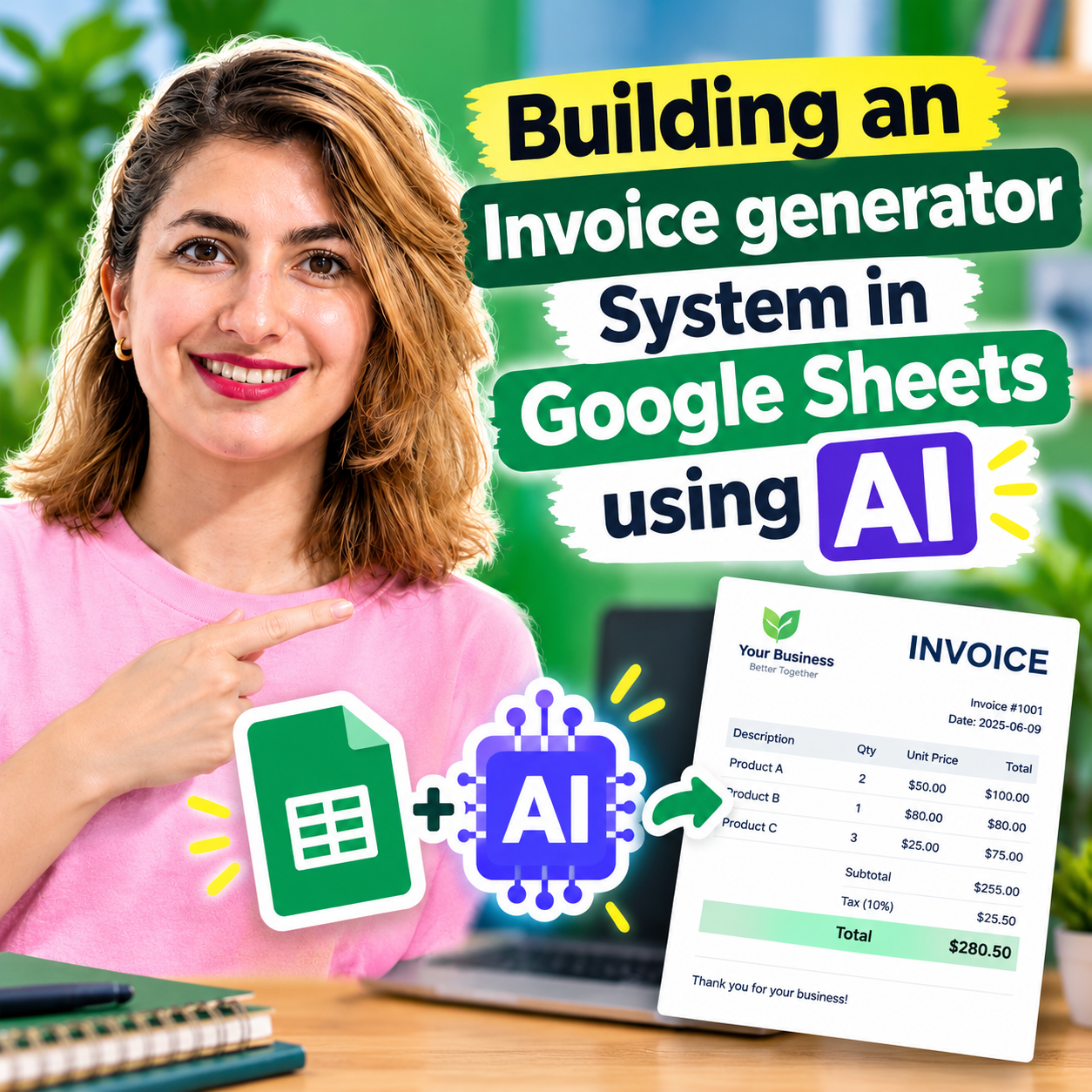


Invoice Generator & Tracker in Google Sheets using AI Tools
Original price was: $ 15.00.$ 10.97Current price is: $ 10.97.
📥 Your Purchase Includes:
- 📄 Code.gs: the complete, tested backend script
- 🖥️ Index.html: the full dashboard interface (dark-themed, ready to deploy)
- 🤖 AI-Prompt.txt: the exact prompt used, in case you want to tweak or regenerate anything
- 📘 Setup-Guide.pdf : a 10-page step-by-step installation guide with troubleshooting
- ✅ Lifetime access : yours to keep, customize, and reuse for future projects
🛍️ **Make your purchase today
YouTube Channel: https://www.youtube.com/@TechTrickswithEli2023
Telegram Channel: https://t.me/techtrickswithEli
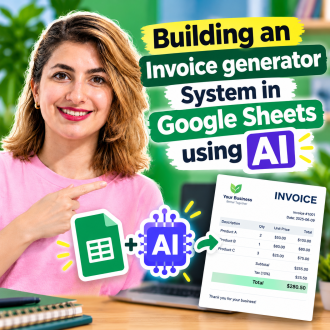
Send professional invoices from your own Google Sheet, with no monthly fees.
Stop paying for invoicing software or wrestling with a messy template. This package gives you a complete invoicing dashboard that runs on Google Sheets and Google Apps Script, ready to install in about 15 minutes.
What you can do
– Create invoices with automatic numbering (INV-0001, INV-0002…)
– Add multiple line items, tax and discounts, with totals that update live
– Download any invoice as a clean PDF
– Email the PDF to your client with one click (status changes to Sent automatically)
– Track Draft, Sent, Paid and Overdue invoices at a glance
– See Total Invoiced, Paid, Outstanding and Overdue on your dashboard
– Manage your clients and export everything to CSV for your accountant
– Set your own business name, currency, default tax rate and payment terms
Why the Pro package?
AI-generated code can come out slightly different every time, and a small slip can stop it from working. Here you get the exact, tested files from the tutorial plus a setup guide with troubleshooting, so you’re up and running fast.
How it works
1. Download the package. Purchase and download everything instantly.
2. Set it up. Paste the two code files into Google Apps Script and deploy as a web app. The setup guide walks you through every click.
3. Start invoicing. Add your business details and clients, create invoices, and send PDFs by email.
Your purchase includes
✅ Code.gs: the complete, tested backend
✅ Index.html: the full dark-themed dashboard
✅ AI-Prompt.txt: the exact prompt, if you want to customize or regenerate
✅ Setup-Guide.pdf: step-by-step installation with troubleshooting
✅Bonus-Guide.pdf: automatic overdue payment reminders
✅Lifetime access, yours to keep and customize
Price: $15(one-time)
No subscriptions. No hidden fees. Yours to keep, customize, and reuse for every future project.
You must be logged in to post a review.
Related products
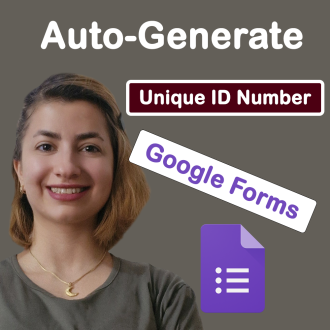
Google Forms, With Auto-Generate Reference Numbers When Submitted
📥 **Your Purchase Includes:**
– Immediate access to the Google forms template.
– Downloadable Apps Script code for flexibility and customization.
– In-depth tutorial for a guided learning experience.
🛍️ **Make your purchase today
YouTube Channel: https://www.youtube.com/@TechTrickswithEli2023
Telegram Channel: https://t.me/techtrickswithEli



Creating Date Pickers and Validating Dates in Google Sheets
🌟 **Product Title: "Creating Date Pickers and Validating Dates in Google Sheets"**
📥 **Your Purchase Includes:**
- Immediate access to the Google Sheets template for date management.
- Link to our detailed YouTube tutorial for guided learning.
🌐 **Note:** This product is designed to simplify the process of creating date pickers and validating dates in Google Sheets. We're here to support you on your journey to efficient date management!
🔗 **For any assistance, reach out to us at [Click Here].**
🛍️ **Make your purchase today and transform your date management in Google Sheets!**
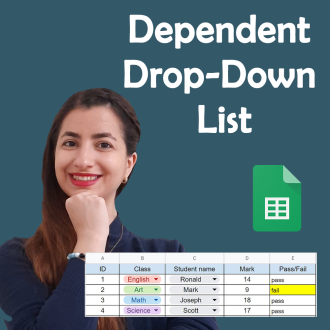
Dependent Drop-Down Lists in Google Sheets: A Step-by-Step Guide
🌟 **Product Title: "Dependent Drop-Down Lists in Google Sheets: A Step-by-Step Guide"**
📥 **Your Purchase Includes:**
- Immediate access to the Google Sheets template for creating dependent drop-down lists.
- Link to our detailed YouTube video guide for guided learning.
🌐 **Note:** This product is designed to simplify the process of creating dependent drop-down lists in Google Sheets. We're here to support you on your journey to organized and interconnected data!
🔗 **For any assistance, reach out to us at [Click Here].**
🛍️ **Make your purchase today and transform your data organization in Google Sheets!**

How to Create Kanban board in Google Sheets
🌟 **Product Title: "How to Create a Kanban Board in Google Sheets"**
📥 **Your Purchase Includes:**
- Immediate access to the Google Sheets template for Kanban board creation.
- Link to our detailed video tutorial for guided learning.
🌐 **Note:** This product is designed to simplify the process of creating a Kanban board in Google Sheets. We're here to support you on your journey to efficient project management!
🔗 **For any assistance, reach out to us at [Click Here].**
🛍️ **Make your purchase today and enhance your project management capabilities!**

How to Generate a Random ID in Google Sheets (Apps script)
🌟 Product Title: "How to Generate a Random ID in Google Sheets (Apps Script)"
📥 Your Purchase Includes:
- Immediate access to the Google Sheets template for random ID generation.
- Downloadable Apps Script code for customization.
- Link to our detailed video tutorial for guided learning.
🌐 Note: This product is designed to simplify the process of generating random IDs in Google Sheets using Apps Script. We're here to support you on your journey to efficient data management!
🔗 For any assistance, reach out to us at [Click Here].
🛍️ Make your purchase today and revolutionize your data tracking in Google Sheets!
Reviews
Clear filtersThere are no reviews yet.