
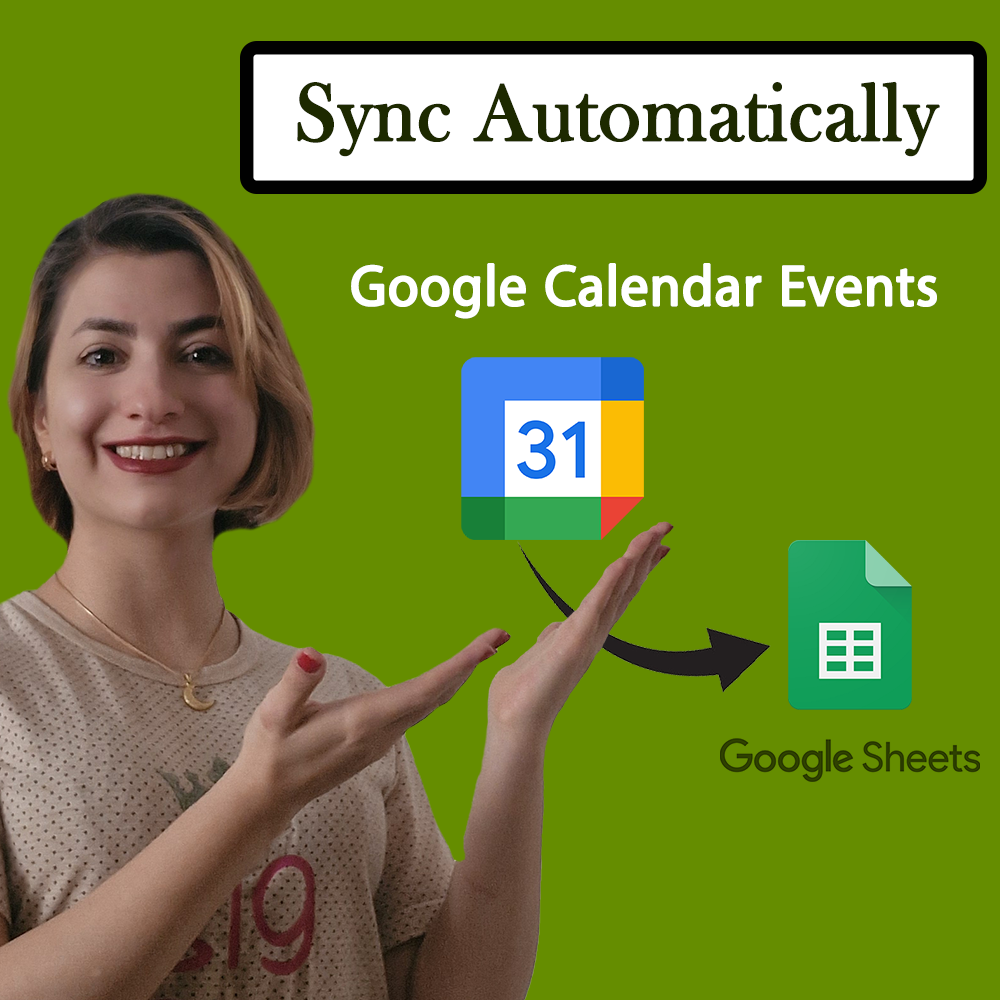
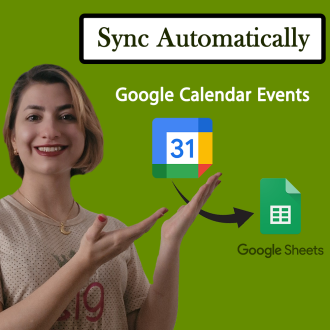
Effortlessly Sync Google Calendar Events with Google Sheets Automatically
$ 9.97
📥 **Your Purchase Includes:**
– Immediate access to the Google Sheets form template.
– Downloadable Apps Script code for flexibility and customization.
– In-depth tutorial for a guided learning experience.
🛍️ **Make your purchase today
Effortlessly Sync Google Calendar Events with Google Sheets Automatically!
Tired of manually copying and pasting your Google Calendar events into Google Sheets? Save time and automate the process with this powerful script! 🚀
With this Google Apps Script solution, you can automatically sync your Google Calendar events to a Google Sheet, ensuring your schedule is always up to date without any manual work.
✨ Key Features:
✅ Real-Time Syncing – Fetch and update upcoming events from your Google Calendar directly into Google Sheets.
✅ Automatic Updates – Set up a trigger to refresh your sheet daily or at a custom interval.
✅ Easy to Use – Just enter your Google Calendar ID, run the script, and let automation do the work!
✅ Perfect for Scheduling – Track meetings, deadlines, and important events in one organized spreadsheet.
✅ No Third-Party Tools Needed – Works entirely within Google Workspace (Sheets & Calendar).
🔧 How It Works:
1️⃣ Enter your Google Calendar ID into the script.
2️⃣ Run the script to fetch all events for the next 30 days.
3️⃣ View your event titles, start & end times, and more—right in Google Sheets.
4️⃣ Automate the process by setting up a daily or hourly trigger.
🎯 Who is This For?
✅ Businesses – Track team meetings, deadlines, and project schedules effortlessly.
✅ Teachers & Students – Organize class schedules, assignments, and exams.
✅ Freelancers & Professionals – Manage appointments and client meetings without missing a beat.
✅ Event Planners – Keep track of event schedules in an easy-to-read format.
💡 Why Use This Automation?
🔹 Saves time by eliminating manual data entry.
🔹 Ensures accuracy with real-time updates.
🔹 Improves productivity by keeping all events in one place.
📥 Get started today and make your workflow more efficient!
🚀 Click Below to Access the Script & Step-by-Step Guide!
YouTube Channel: https://www.youtube.com/@TechTrickswithEli2023
Telegram Channel: https://t.me/techtrickswithEli
You must be logged in to post a review.
Related products

Google Forms, With Auto-Generate Reference Numbers When Submitted
📥 **Your Purchase Includes:**
– Immediate access to the Google forms template.
– Downloadable Apps Script code for flexibility and customization.
– In-depth tutorial for a guided learning experience.
🛍️ **Make your purchase today
YouTube Channel: https://www.youtube.com/@TechTrickswithEli2023
Telegram Channel: https://t.me/techtrickswithEli

Creating a Powerful Advanced Search Box in Google Sheets – Step by Step
🌟 **Product Title: "Creating a Powerful Advanced Search Box in Google Sheets - Step by Step"**
Unlock the potential of advanced search functionality with our comprehensive product! Purchasing this package provides you with:
1. **Google Sheets Template:**
- A ready-to-use template equipped with a powerful advanced search box, designed to enhance your data search capabilities.
2. **Step-by-Step Video Tutorial:**
- Dive into the intricacies of creating an advanced search box with our detailed video tutorial. Follow along at your own pace to master the process.
📥 **Your Purchase Includes:**
- Immediate access to the advanced search box-equipped Google Sheets template.
- Link to our comprehensive video tutorial for guided implementation.
⚙️ **How to Get Started:**
1. Download the Google Sheets template with the advanced search box.
2. Follow our step-by-step video tutorial for a detailed walkthrough.
🌐 **Note:** This product is designed to empower you in creating a powerful advanced search box in Google Sheets. We're here to support you on your journey to efficient data searching!
🔗 **For any assistance, reach out to us at [Click Here].**
🛍️ **Make your purchase today and revolutionize the way you search and analyze data!**
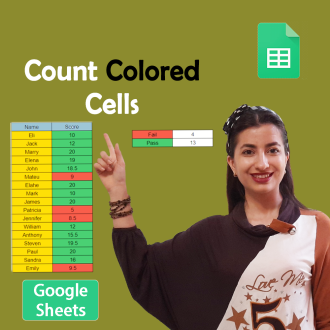
Count Cells Based on Color in Google Sheets
🌟 **Product Title: "Count Cells Based on Color in Google Sheets!"**
📥 **Your Purchase Includes:**
- Immediate access to the Google Sheets template for color-based cell counting.
- Downloadable Apps Script code for customization.
- Link to our comprehensive YouTube tutorial for guided learning.
🌐 **Note:** This product is designed to simplify the process of counting cells based on color in Google Sheets. We're here to support you on your journey to efficient data analysis!
🔗 **For any assistance, reach out to us at [Click Here].**
🛍️ **Make your purchase today and revolutionize your color-based data analysis!**
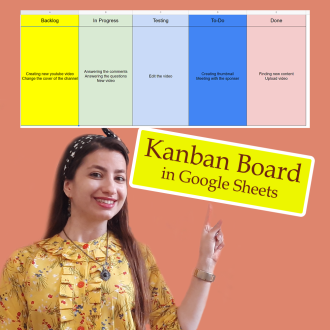
How to Create Kanban board in Google Sheets
🌟 **Product Title: "How to Create a Kanban Board in Google Sheets"**
📥 **Your Purchase Includes:**
- Immediate access to the Google Sheets template for Kanban board creation.
- Link to our detailed video tutorial for guided learning.
🌐 **Note:** This product is designed to simplify the process of creating a Kanban board in Google Sheets. We're here to support you on your journey to efficient project management!
🔗 **For any assistance, reach out to us at [Click Here].**
🛍️ **Make your purchase today and enhance your project management capabilities!**
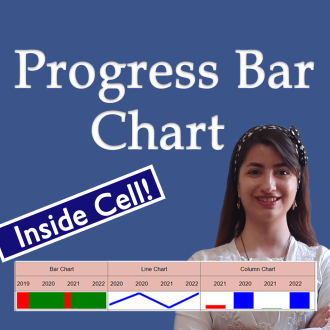
Create a progress bar Chart Inside a Cell in Google Sheets (Full Tutorial)
🌟 **Product Title: "Create a Progress Bar Chart Inside a Cell in Google Sheets (Full Tutorial)"**
Transform your data visualization game with our exclusive product! By making this purchase, you'll unlock a powerful duo:
1. **Google Sheets Template:**
- Step into the realm of dynamic data presentation with our ready-to-use Google Sheets template. Effortlessly create progress bar charts inside cells for impactful data representation.
2. **Link to the Full Tutorial Video:**
- Master the art of progress bar chart creation through our comprehensive video tutorial. Follow step by step and elevate your Google Sheets skills.
📥 **Your Purchase Includes:**
- Immediate access to the Google Sheets template for progress bar chart creation.
- Link to our full tutorial video for guided learning.
⚙️ **How to Get Started:**
1. Download the Google Sheets template to initiate progress bar chart creation.
2. Customize your cells with dynamic progress indicators based on your data.
3. Follow our full tutorial video for insights into effective implementation.
🌐 **Note:** This product is designed to simplify the process of creating progress bar charts inside cells in Google Sheets. We're here to support you on your journey to impactful data visualization!
🔗 **For any assistance, reach out to us at [Click Here].**
🛍️ **Make your purchase today and transform your data presentation in Google Sheets!**
Reviews
Clear filtersThere are no reviews yet.