

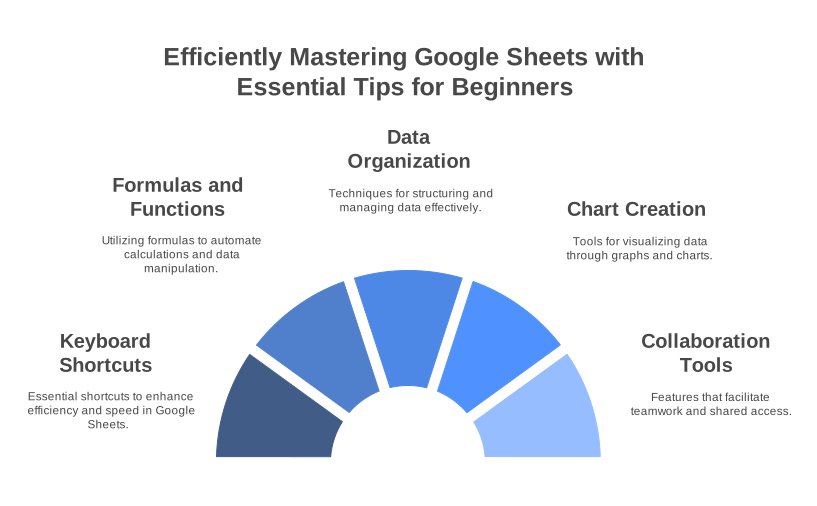
Mastering Google Sheets: 10 Time-Saving Tips for Beginners

Mastering Google Sheets: 10 Time-Saving Tips for Beginners
Google Sheets is a powerful and versatile tool that offers endless possibilities for organizing, analyzing, and sharing data. Whether you’re new to Google Sheets or looking to enhance your productivity, these 10 time-saving tips will make your experience smoother and more efficient.
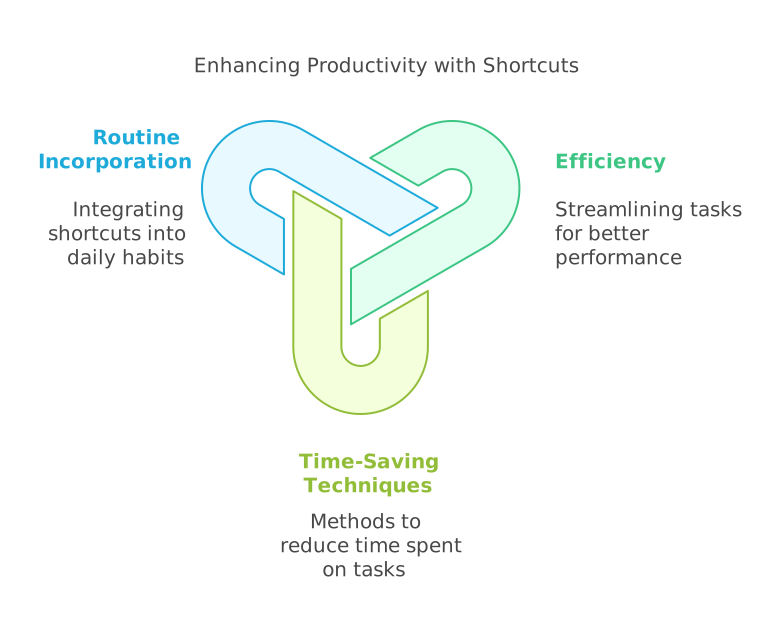
1. Use Keyboard Shortcuts
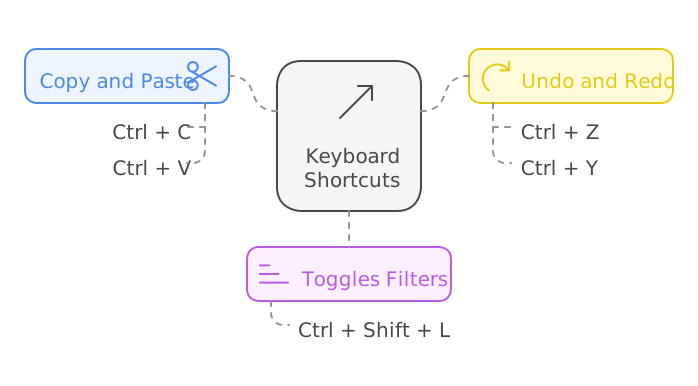
Save time by mastering essential shortcuts like:
- Ctrl + C / Ctrl + V: Copy and paste.
- Ctrl + Shift + L: Toggle filters.
- Ctrl + Z / Ctrl + Y: Undo and redo.
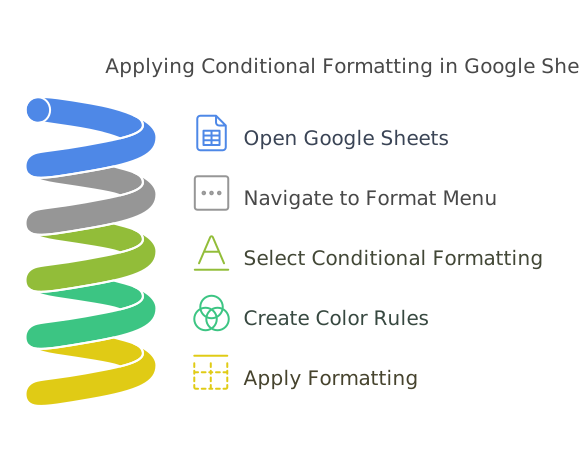
2. Leverage Conditional Formatting
Highlight important data by applying color rules. Navigate to Format > Conditional Formatting and create rules to color cells based on their values.
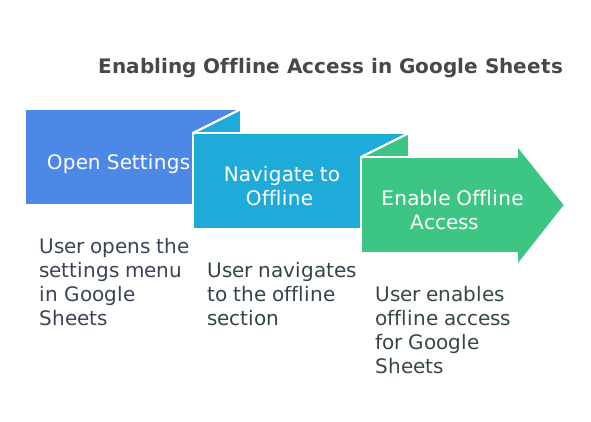
3. Enable Offline Mode
Access your sheets without an internet connection. Go to Settings > Offline > Enable Offline Access to work seamlessly.
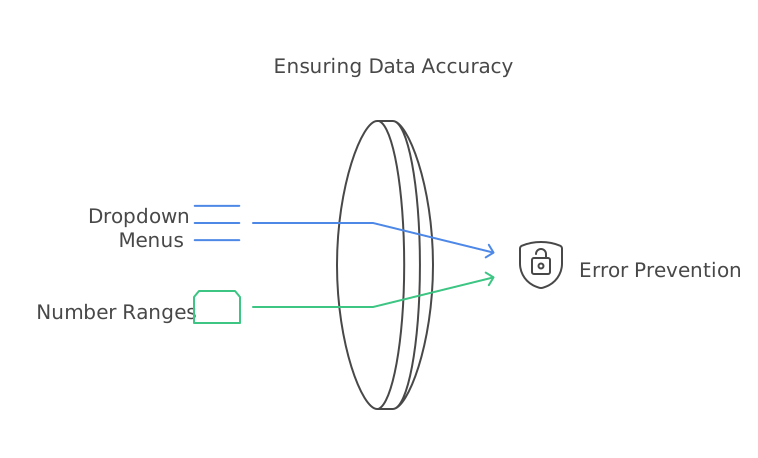
4. Use Data Validation
Prevent errors by restricting inputs. Select a range, go to Data > Data Validation, and set rules like dropdown menus or number ranges.
5. Freeze Rows and Columns
Keep headers visible while scrolling. Click View > Freeze, then select the rows or columns you want to lock in place.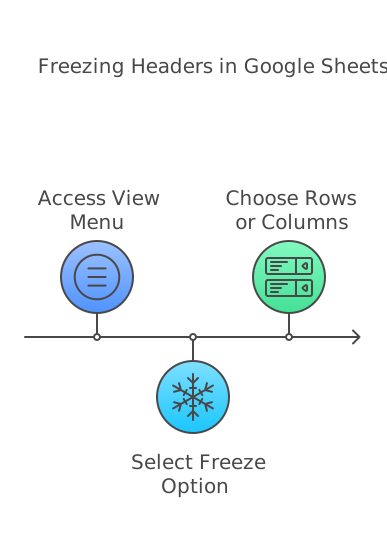
6. Import Data from Other Sources
Use the IMPORTDATA, IMPORTRANGE, or IMPORTXML functions to pull in data from other sheets, websites, or files.

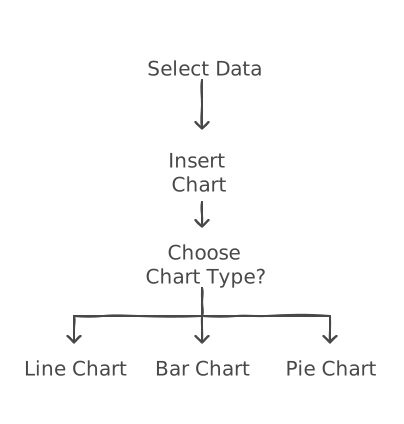
7. Create Charts and Graphs
Visualize data with charts. Highlight your data, then click Insert > Chart to create line, bar, or pie charts.
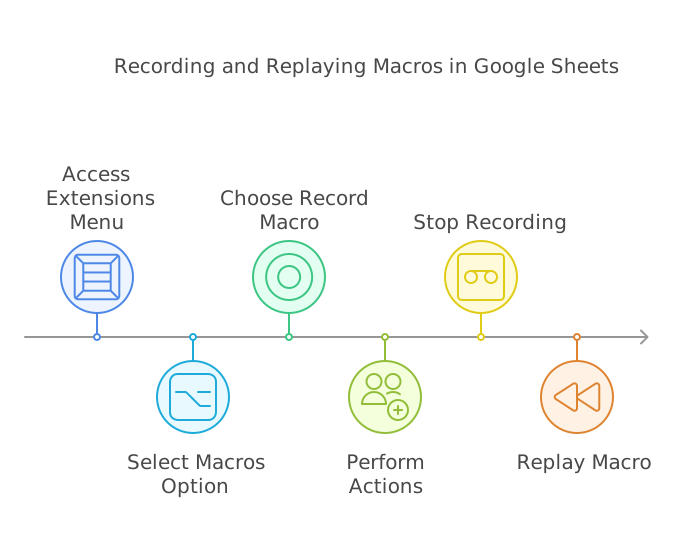
8. Automate with Macros
Record repetitive actions by going to Extensions > Macros > Record Macro and replay them with a click.
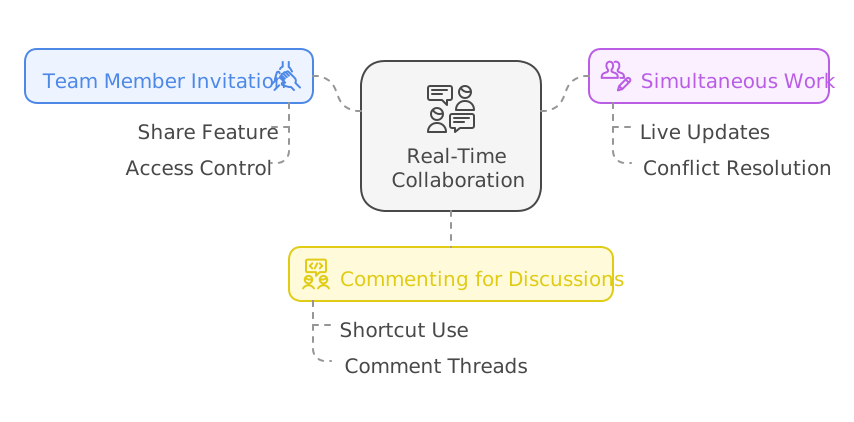
9. Collaborate in Real-Time
Invite team members via Share and work on the same sheet simultaneously. Use comments (Ctrl + Alt + M) for discussions.
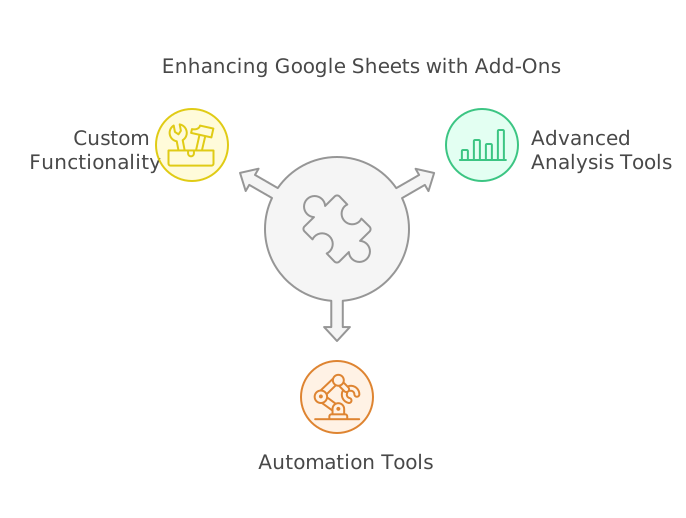
10. Explore Add-Ons
Enhance functionality with add-ons. Click Extensions > Add-ons > Get Add-ons to find tools for advanced analysis or automation.
By implementing these tips, you’ll unlock the true potential of Google Sheets and save countless hours in the process. Explore these features today and take your productivity to the next level!
youtube channel: https://www.youtube.com/@TechTrickswithEli2023